
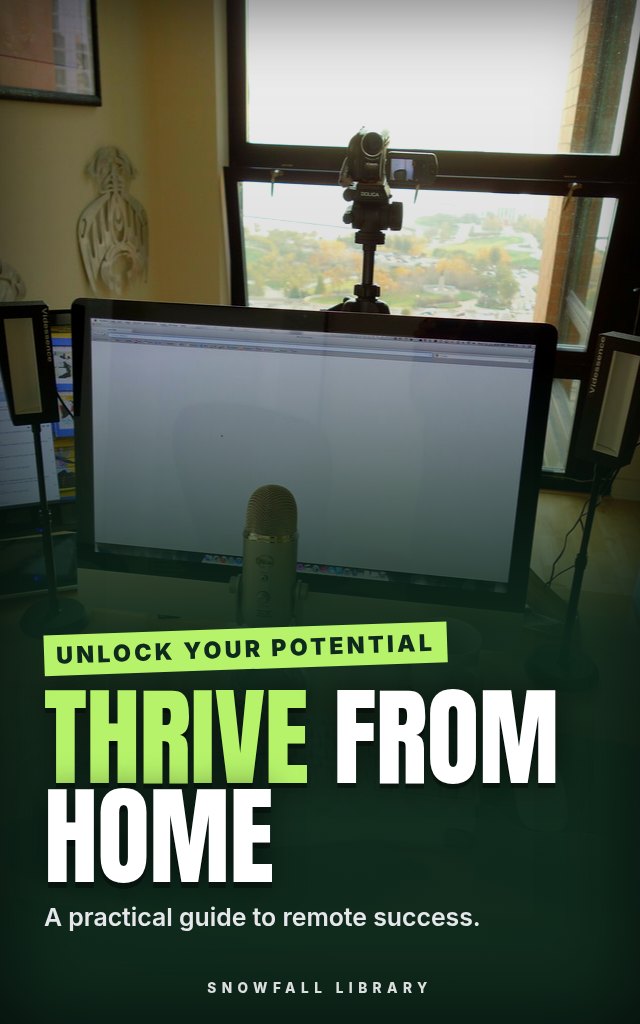
Thrive From Home: Focus, Boundaries and Better Teamwork for Remote Workers
Build a workday at home with a clear start, a clear finish and far fewer wasted hours in between.
About this guide
- People who have just moved to remote work and are still finding the rhythm
- Experienced remote workers who've hit a plateau or feel permanently on call
- Managers and team leads responsible for a distributed team
- Anyone who feels isolated or scattered working from home
- A workspace, boundaries and daily routines that make it possible to leave work while staying home
Product details
| Publisher | Snowfall Library (founded by Max) |
|---|---|
| Format | PDF Guide |
| Length | 20+ pages |
| Language | English |
| Delivery | Instant download after payment |
| Reads on | Phone, tablet, Kindle app or computer |
| Category | Business |
Better together
Add these to your order and save 35% on each one.
Book description
Your laptop lives on the kitchen table now. Work starts when you wake up, ends when you finally close the lid, and somewhere in between you forgot lunch again.
Remote work gives you freedom and quietly removes the structure an office used to supply. This guide puts that structure back on purpose. It starts with the basics most people skip, a real workspace, firm boundaries and dependable routines, then moves to focus techniques like time-blocking and task prioritization that suit a day without a commute. It covers how to communicate well over email, video calls, chat and project tools, how to separate work from home life before burnout creeps in, and, for anyone running a team, how to build trust and keep people connected at a distance. Expect scripts, checklists and real examples rather than theory.
Who it's for
- People who have just moved to remote work and are still finding the rhythm
- Experienced remote workers who've hit a plateau or feel permanently on call
- Managers and team leads responsible for a distributed team
- Anyone who feels isolated or scattered working from home
What you'll walk away with
- A workspace, boundaries and daily routines that make it possible to leave work while staying home
- Time-blocking and prioritization methods for getting more done in fewer hours
- Clear habits for email, video calls, instant messaging and project tools
- Ways to manage your energy and protect your evenings from creeping work
- Practical approaches for leading a remote team with trust and good collaboration
Same job, same house. A much better day.
What's inside
- Part 1: Foundations of Remote Success
- Part 2: Mastering Productivity
- Part 3: Communication & Collaboration
- Part 4: Work-Life Integration
- Part 5: Leading a Remote Team
Look inside
Part 1: Foundations of Remote Success
Designing Your Remote Workspace for Peak Performance
Let’s be real. Many of us didn’t choose this workspace. We landed here. The kitchen table, a corner of the bedroom, maybe even the couch. It felt temporary at first. Now, months or years later, it’s become… everything. And it’s likely not serving you well. A poorly designed workspace isn’t just uncomfortable; it actively undermines your focus, productivity, and even your health. This section is about taking control, creating a space that supports you and your work, no matter your situation. We'll cover practical steps, real-world examples, and how to troubleshoot common problems.
The Impact of Your Environment
Your physical environment directly affects your mental state. A cluttered, noisy, or uncomfortable space increases stress hormones and cognitive load. This makes it harder to concentrate, solve problems, and maintain energy levels. Conversely, a well-designed workspace promotes calm, focus, and creativity. It signals to your brain that it’s time to work, helping you switch into a productive mindset. Think of it as setting the stage for success.
Assessing Your Current Situation
Before you start buying things, let’s understand what you’re working with. Take a few minutes to honestly evaluate your current workspace.
- Dedicated Space: Do you have a room, corner, or even just a designated area solely for work?
- Ergonomics: Is your chair supportive? Is your monitor at eye level? Can you comfortably reach everything you need?
- Lighting: Is the lighting adequate? Is there glare on your screen?
- Noise Levels: How much noise do you experience throughout the day?
- Distractions: What are the biggest distractions in your workspace? (Family, pets, notifications, household chores?)
- Budget: How much are you willing to invest in improving your workspace? (From under $50 to several hundred dollars)
Three Workspace Setups: Real-World Examples
Let’s look at three different scenarios and how to build a productive workspace within each. We’ll include estimated costs (as of late 2023) and a pro/con analysis.
1. Minimalist Setup (Budget: $50 - $150)
- Scenario: Small apartment, limited space, tight budget.
- Components:
- Ergonomic Laptop Stand ($20-30): Raises the screen to eye level.
- Portable Keyboard & Mouse ($20-40): Improves comfort and posture.
- Noise-Cancelling Headphones ($30-60): Blocks out distractions.
- Small Desk Organizer ($10-20): Keeps essentials within reach.
- Pro/Con:
- Pros: Affordable, space-saving, portable.
- Cons: Limited storage, may require using a non-ideal surface (couch, dining table).
- Total Estimated Cost: $80 - $150
2. Family-Friendly Setup (Budget: $200 - $400)
- Scenario: Shared living space, need to balance work and family life.
- Components:
- Folding Desk ($80-150): Can be set up and taken down quickly.
- Ergonomic Chair ($80-150): Provides support during long work hours.
- Room Divider/Screen ($50-100): Creates a visual barrier for privacy.
- Storage Bins & Shelves ($30-50): Organizes work materials and keeps them out of sight.
- Pro/Con:
- Pros: Relatively affordable, adaptable to different spaces, provides some privacy.
- Cons: May still be subject to interruptions, requires dedicated setup/takedown time.
- Total Estimated Cost: $240 - $450
3. Dedicated Office Setup (Budget: $500+)
- Scenario: Dedicated room available, willing to invest in a long-term solution.
- Components:
- Standing Desk ($200-500+): Promotes movement and reduces sedentary behavior.
- High-Quality Ergonomic Chair ($200-600+): Essential for comfort and posture.
- Monitor (27” or larger) ($150-300+): Improves visibility and reduces eye strain.
- Shelving & Storage ($100-300+): Provides ample storage for books, files, and supplies.
- Good Lighting (Desk Lamp + Overhead) ($50-100+): Reduces eye strain and improves mood.
- Pro/Con:
- Pros: Dedicated workspace, optimal ergonomics, increased productivity.
- Cons: Highest cost, requires a dedicated room.
- Total Estimated Cost: $700+ (can easily exceed $1500 depending on choices)
Action step: Choose the setup that best fits your situation and budget. Start with the essentials (ergonomic chair, monitor height) and add more components as you can afford them.
Ergonomics: ...
Readers also browse

Check Texts, Emails, Jobs and Stores Before You Pay

Identify, Cancel and Recover Payments You Didn't Expect

Start a Business With No Idea and No Money

A 30-Day Reset for Phone Habits and Focus